
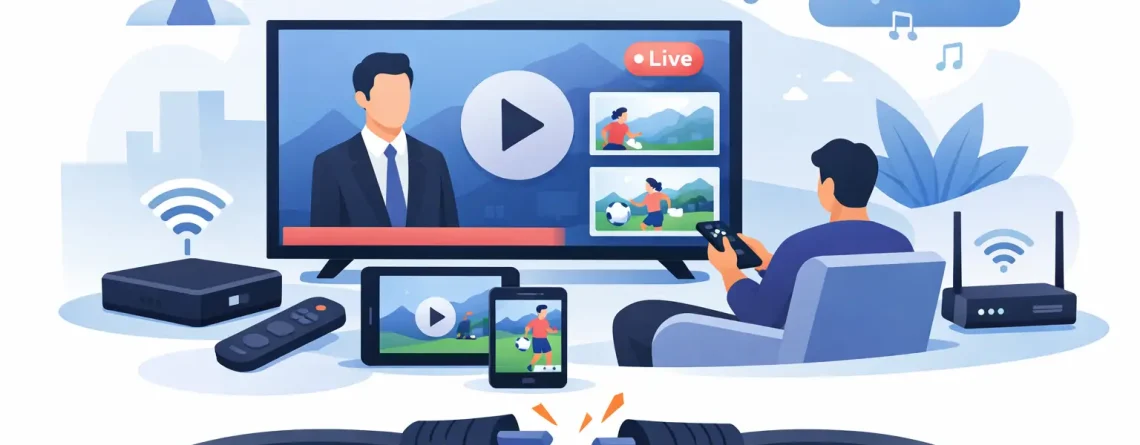
How to Stream Live TV Without Cable
Cable bills keep climbing, but your viewing habits probably haven’t. You want live sports, local channels, breaking news, and a solid movie lineup without paying for bloated bundles or sitting through a technician appointment. If you’re wondering how to stream live tv, the good news is that getting started is easier than most people think, and in many cases, a lot cheaper.
The real shift is this: live TV is no longer tied to a cable box in your living room. Now it runs through your internet connection, which means you can watch on a smart TV, Firestick, Android box, phone, tablet, or laptop. Setup is faster, plans are more flexible, and you’re not locked into the old cable model.
How to stream live TV and what you actually need
At the most basic level, live TV streaming works through three things: a stable internet connection, a compatible device, and a service that gives you access to live channels. That’s it. No satellite dish. No long contract. No waiting around all day for installation.
A lot of people overcomplicate this step because they assume they need expensive hardware. Usually, they don’t. If you already have a smart TV or a streaming device plugged into your TV, you’re probably most of the way there. The main job is choosing the right service and getting it running on the screen you already use.
Internet speed matters, but not in a dramatic way. For one HD stream, many households can do just fine with standard broadband. If you want multiple people watching at once across different devices, then faster speeds help. The trade-off is simple: the more simultaneous streaming you want, the more your home network needs to keep up.
Pick the right device first
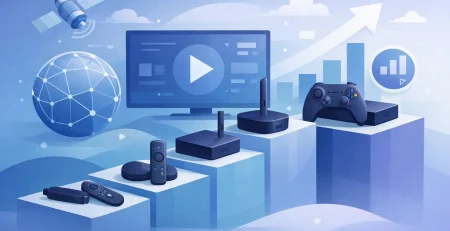
Before you choose a live TV service, think about where you actually watch. Most people don’t use just one screen anymore. They might watch sports on the living room TV, news on a tablet in the kitchen, and international channels on a phone while traveling.
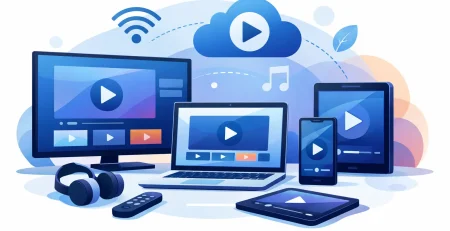
That’s why device compatibility matters more than flashy marketing. A good setup should work across smart TVs, streaming sticks, smartphones, tablets, and computers. If your service only works well on one device, it becomes frustrating fast.
For the easiest living room experience, smart TVs and streaming devices are usually the best choice. They’re simple to operate with a remote and give you a traditional TV feel. Phones and tablets are great for flexibility, but they’re not ideal if your whole household wants a shared viewing experience. Laptops are useful too, especially if you like watching while working or traveling.
The smartest move is to choose a service that supports the devices you already own. That keeps your startup cost low and gets you watching faster.
Choose a live TV service based on content, not hype
This is where most people either save money or waste it. Every service promises a lot, but the best option depends on what you care about most. If you mainly want sports, your ideal plan may look different from someone who wants local news, movie channels, kids’ content, and international programming.
Start with your must-have channels. If live sports are non-negotiable, look for strong sports coverage. If your household wants a broad mix, then variety matters more than niche add-ons. If you need international access, make sure the service actually delivers channels from the regions you care about instead of just a small token package.
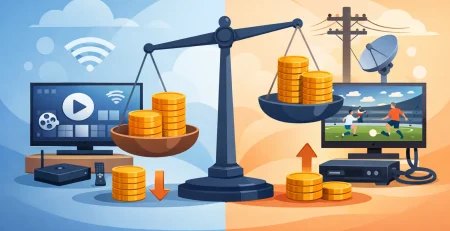
Price matters, but value matters more. A low monthly cost only feels like a win if the service is reliable and the channel lineup fits your needs. On the other hand, paying cable-level prices for a streaming package defeats the whole point.
This is why many buyers now look for IPTV-style options that focus on lower cost, bigger channel access, and faster activation. Services like Crypto PAY IPTV appeal to households that want live channels, sports, movies, and international content across multiple devices without the heavy monthly cable bill. For price-conscious viewers, that combination is hard to ignore.
How to stream live TV in a few simple steps
The setup process is usually much faster than traditional TV service. In most cases, you choose a plan, receive your login details, install the app or player on your device, and start watching.
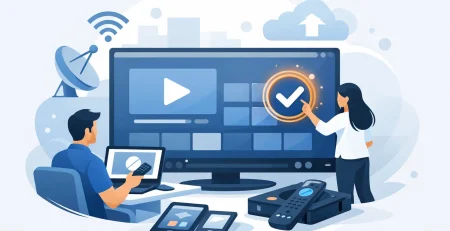
First, make sure your internet is stable and your device is connected. Next, sign up for the live TV service that fits your budget and channel needs. After that, install the app or supported player on your smart TV, streaming device, phone, or laptop. Enter your credentials, let the channel list load, and begin browsing.
Some setups are nearly instant. Others may take a few extra minutes depending on the app and device. That’s normal. The big advantage is speed. Compared with cable, the process is dramatically faster and easier.
What to expect from the viewing experience
A strong live TV streaming setup should feel simple. You open the app, browse channels, and start watching. That’s the goal. If the service is well-built and your internet connection is solid, the experience can be smooth and consistent.
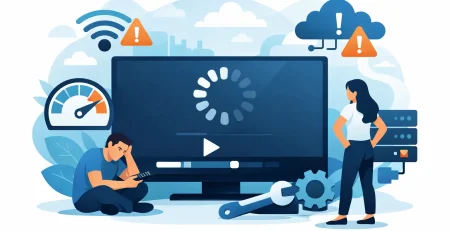
That said, there are trade-offs. Streaming depends on internet performance, so if your home network is overloaded, you may see buffering or slower channel loading. This doesn’t always mean the service is bad. Sometimes it’s a Wi-Fi issue, a device issue, or too many people using the network at once.
Picture quality can range from standard resolution to HD, depending on the source, the channel, your device, and your connection speed. Most viewers are happy as long as streams are stable and the content loads quickly. If you expect every single channel to look identical, you may need to adjust expectations. Live streaming often varies a bit from channel to channel.
Multi-device streaming changes the value
One of the biggest reasons people leave cable is flexibility. Traditional TV service was built around one main screen and extra fees for more boxes. Live TV streaming flips that model.
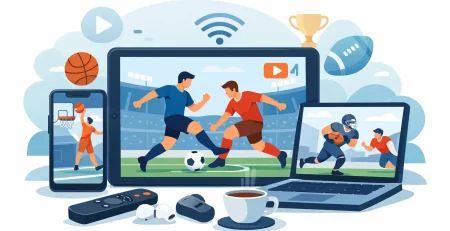
If your service supports multiple connections, your household can watch on several devices at the same time. That means one person can stream sports in the living room while someone else watches news on a tablet and another person catches up on entertainment from a phone. For families and shared households, this is where streaming starts to feel like a real upgrade rather than just a cheaper replacement.
Still, it’s worth checking the connection limit before you buy. “Works on multiple devices” can mean very different things depending on the provider. If you know your home has heavy usage, choose a plan built for that reality.
Common mistakes when learning how to stream live TV
The first mistake is choosing based only on price. Cheap sounds great until the lineup is weak or the service doesn’t support your device. The second is ignoring your internet setup. Even the best service can struggle if your Wi-Fi is weak or your router is outdated.
Another common issue is signing up without checking how many connections you get. If you live alone, one connection may be fine. If you have a family, roommates, or several screens in use at once, that can become a problem fast.
Finally, don’t assume every service is equally easy to use. Some platforms are built for quick activation and simple viewing. Others feel clunky. If convenience matters to you, and for most people it does, prioritize fast setup and clear navigation.
Is streaming live TV better than cable?
For a lot of households, yes. It’s usually cheaper, faster to set up, and easier to use across different devices. You get more freedom, fewer long-term commitments, and better control over how you watch.
But the answer depends on your habits. If your home has unreliable internet, cable may still feel more predictable. If you want maximum channel access, lower pricing, and the ability to watch from almost anywhere, streaming is often the better move.
The biggest advantage is control. You decide what matters – cost, channel variety, sports access, international content, device support, or number of connections. That’s a better deal than paying for a rigid bundle built around someone else’s priorities.
If you’ve been waiting for the “right time” to cut the cord, this is probably it. Start with the device you already own, choose a service that matches the way your household watches, and keep it simple. The best live TV setup isn’t the most complicated one – it’s the one that gets you watching what you want, fast.


Leave a Reply