
What Devices Support IPTV in 2026?
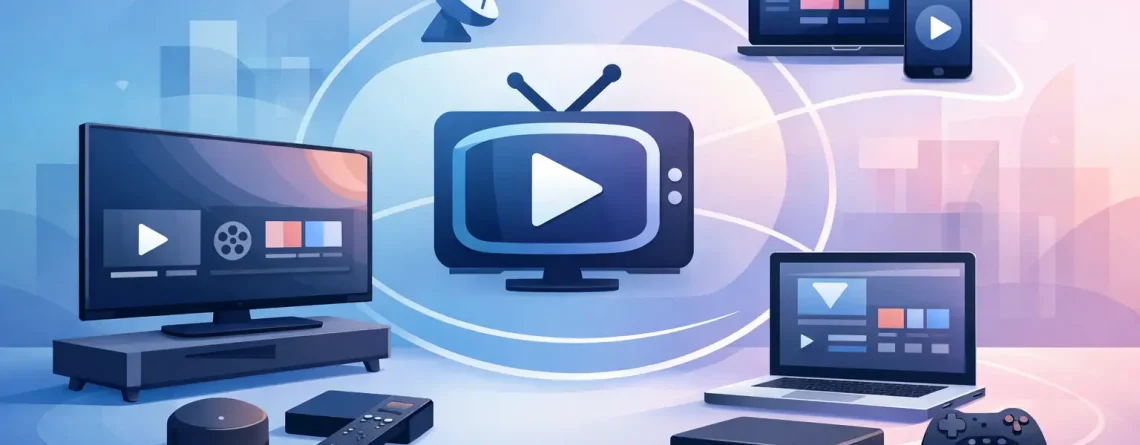
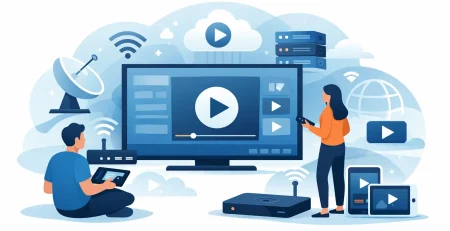
Cutting the cable bill sounds great until you hit the obvious question: what devices support IPTV, and will your current setup actually work? The good news is that IPTV is built for flexibility. If you already own a smart TV, streaming stick, phone, tablet, laptop, or Android box, there’s a strong chance you can start watching in minutes instead of buying a whole new entertainment system.
That device freedom is a big reason IPTV keeps pulling people away from expensive cable packages. You’re not locked to one screen in one room. You can watch live sports on the big TV, catch local or international channels on a tablet, and keep movies running on another screen in the house. For families, that matters. For anyone tired of overpriced TV, it matters even more.
What Devices Support IPTV Most Commonly?
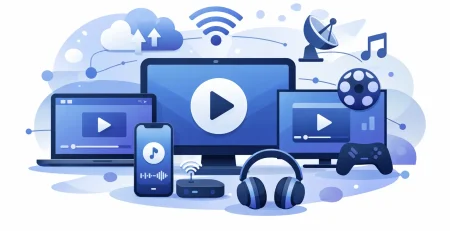
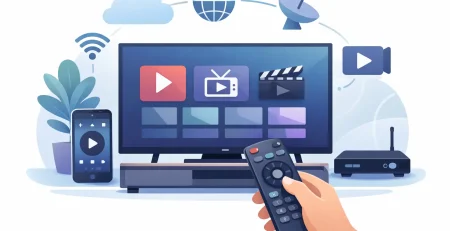
The short answer is simple: most modern internet-connected streaming devices support IPTV in some form. That includes smart TVs, Amazon Fire TV devices, Android TV boxes, phones, tablets, PCs, Macs, and certain streaming sticks. Some devices support IPTV apps directly, while others need a compatible media player app or a portal login.
The biggest factor is not just the hardware. It’s whether the device lets you install an IPTV app easily and whether it has enough processing power and a stable internet connection to stream HD channels without constant buffering. A cheap device can still work well, but older hardware tends to show its limits faster.
Smart TVs and IPTV
Smart TVs are one of the most popular ways to watch IPTV because they keep everything simple. No extra box, no extra remote if your TV already supports the app you want to use. Many Samsung and LG smart TVs can run IPTV player apps directly, which makes setup fast for users who want a clean living room setup.
That said, smart TV compatibility depends on the TV’s operating system and app store. Some TVs have limited app choices. Others support an app today and drop it later. If you have a newer model, your odds are much better. If your TV is older, slow, or missing the right app, adding a streaming device is usually the faster fix than fighting the TV itself.
Picture quality on a smart TV can be excellent, especially for HD sports and live channels. But performance can vary. TVs are not always as fast as dedicated streaming devices, so channel loading may feel slower on some models.
Best smart TV platforms for IPTV
Android TV and Google TV usually give users the most flexibility. They tend to support more IPTV apps and give you more control over installation. Samsung and LG TVs can also work well, but the app selection may be narrower. Roku TVs are a mixed case because IPTV app availability can be more limited, so they are not always the first choice for users who want the easiest setup.
Fire TV, Android Boxes, and Streaming Sticks
If you want the most practical answer to what devices support IPTV, this category is at the top. Fire TV Stick models, Android TV boxes, and Google TV streamers are some of the most common IPTV devices in the US because they’re affordable, fast, and easy to set up.
Fire TV devices are especially popular with IPTV users. They’re budget-friendly, widely available, and simple enough for almost any household. You plug the device into your TV, connect to Wi-Fi, install a compatible player, enter your login details, and start streaming. For many people, this is the fastest path from signup to watching live channels.
Android boxes are another strong option. They usually offer more storage, more app freedom, and more customization than a basic streaming stick. That’s useful if you want multiple media apps on one device or if you care about performance during long viewing sessions. The trade-off is that some low-cost Android boxes are poorly made. Cheap hardware can mean lag, app crashes, or weak Wi-Fi.
Google TV devices strike a nice balance. They’re cleaner and more polished than many generic Android boxes, while still giving users broad app support. If you want a mainstream option without paying cable-level prices, this category makes a lot of sense.
Can You Watch IPTV on Phones and Tablets?
Yes, and for a lot of users this is where IPTV becomes truly convenient. Both Android phones and iPhones can support IPTV, and tablets are even better if you want a more comfortable screen for travel, kitchen viewing, or watching games away from the main TV.
Android devices usually offer more flexibility for IPTV apps. Installation is often straightforward, and there are plenty of player options. iPhones and iPads can also work very well, but app rules can be tighter, which means your setup process may depend more on the app currently available in the store.
For mobile streaming, screen size and internet quality matter more than raw power. Even a mid-range phone can handle IPTV just fine on a strong Wi-Fi connection. But if you’re relying on mobile data, performance can vary quickly. Live TV eats bandwidth, and HD channels will expose a weak connection fast.
Phones and tablets are ideal as second screens. They’re not always the best choice for all-day home viewing, but they’re excellent for flexibility. If your service supports multiple connections, mobile devices become a huge advantage for busy households.
Laptops and Desktop Computers
PCs and Macs absolutely belong on the list of devices that support IPTV. In fact, they’re often the easiest option for users who want to test a service before setting up their main TV. You can use a web-based player in some cases, or install an IPTV-compatible media app and log in with your credentials.
Computers have obvious strengths. They’re powerful, easy to troubleshoot, and great for users who want more control over settings. If you work at a desk, it’s a convenient way to keep news, sports, or international channels running in the background.
The downside is that a computer usually isn’t the living room experience most people want. It’s functional, not always comfortable. If your goal is family viewing on the couch, a TV device still wins. But as a backup screen or travel option, laptops are hard to beat.
What About Roku, Apple TV, and Game Consoles?
This is where the answer gets more conditional. These devices can sometimes support IPTV, but they are not always the easiest or most flexible options.
Roku is common in US homes, but IPTV support can be more limited depending on current app availability and platform restrictions. Some users make it work, but if you’re choosing a device specifically for IPTV, Roku is not usually the first recommendation.
Apple TV hardware is strong and the interface is polished. It can support IPTV apps, and performance is often excellent. The catch is price. If your whole reason for switching is to cut costs, Apple TV may feel like a premium device in a budget-first setup.
Game consoles are not the standard choice. Some workarounds exist, but they’re not the most direct route. If you want fast activation and simple setup, a dedicated streaming device is usually the better move.
How to Choose the Best Device for IPTV
The best device depends on how you watch. If you want the cheapest setup for the main TV, a Fire TV Stick is hard to argue against. If you want more power and app flexibility, an Android box or Google TV device usually gives you more room to grow. If you watch on the go, your phone or tablet may already be enough.
You should also think about who will use it. A single user can get by with almost anything modern. A family with multiple screens should care more about device speed, app reliability, and how easy it is for everyone in the house to use without constant troubleshooting.
Internet speed matters too. Even the best device won’t save a weak connection. Wired connections tend to be more stable for main-room streaming, while Wi-Fi is fine if your signal is strong. HD streams need consistency more than flashy specs.
Signs your current device is good enough
If your device connects reliably to the internet, installs streaming apps without hassle, and plays video smoothly in HD, you probably do not need to upgrade. IPTV does not always require premium hardware. It requires compatible apps, a decent processor, and stable bandwidth.
Signs it’s time to upgrade
If apps freeze, channels load slowly, the interface feels sluggish, or your device is several years old, you may save time and frustration by replacing it. A low-cost streaming stick often performs better than an aging smart TV platform.
Why Multi-Device Support Matters
This is where IPTV becomes a real cable alternative instead of just another app. Device flexibility means the service fits your life instead of forcing you into one room and one screen. That’s a huge value play for households that want live sports, movies, local channels, and international programming without stacking expensive subscriptions.
A service like Crypto PAY IPTV stands out because multi-device viewing is part of the appeal, not an afterthought. Fast setup, broad compatibility, and affordable access are exactly what price-conscious households want. When your login works across the screens you already own, the switch feels easy instead of risky.
The smartest move is simple. Start with the devices already in your home. Check which one offers the easiest app setup and the most stable picture. If it works well, you’re ready. If it doesn’t, a low-cost streaming device can fix the problem fast and keep your entertainment bill far below cable. That’s the kind of upgrade people actually feel every month.


Leave a Reply