
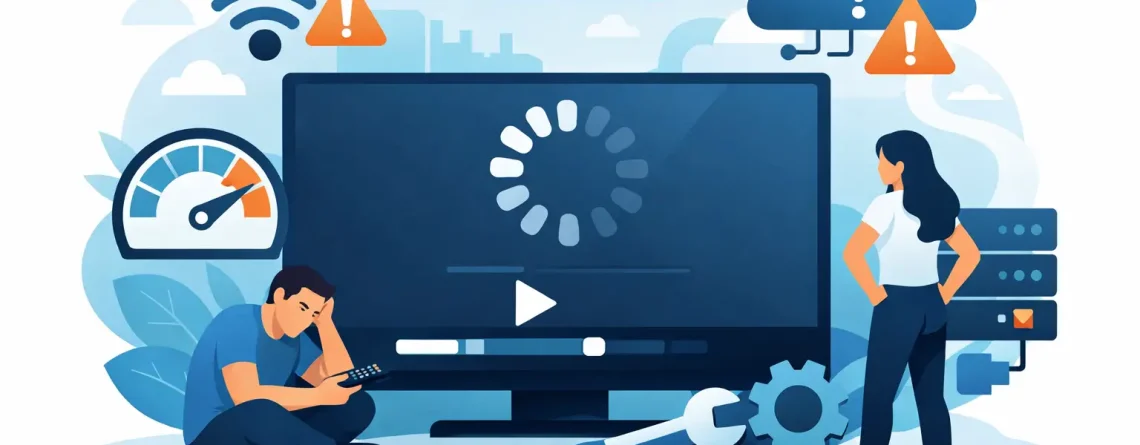
Why Is IPTV Buffering? Fix the Real Causes
That spinning circle always seems to show up during the best part of the game, the biggest scene in a movie, or right when everyone in the house is finally watching the same channel. If you keep asking, why is IPTV buffering, the short answer is this: your stream is not getting data fast enough, consistently enough, or cleanly enough to play in real time.
That does not always mean the service itself is bad. Buffering can come from your internet speed, your Wi-Fi setup, your device, the IPTV app, network congestion, or the stream source itself. The fastest way to fix it is to stop guessing and isolate the weak point.
Why is IPTV buffering on a good internet connection?
This is where most people get frustrated. You run a speed test, see plenty of Mbps, and still get freezing, stuttering, or constant loading. The problem is that raw speed is only one part of streaming performance.
IPTV depends heavily on stability. If your connection jumps up and down, drops packets, or has high latency, buffering can happen even when your speed looks strong on paper. Live TV is less forgiving than browsing the web. A page can load a second later and you barely notice. A live stream misses a few chunks and suddenly the screen pauses.
Wi-Fi is often the hidden culprit. If your router is across the house, tucked behind furniture, or handling ten devices at once, your IPTV stream may be fighting for bandwidth. In multi-device homes, that matters. A 4K TV stream, a couple of phones, a gaming console, and a laptop on video calls can crowd the network fast.
There is also the issue of peak-hour congestion. Your internet provider may perform well in the afternoon and worse at night when the neighborhood is online. That is why IPTV can seem perfect one day and annoying the next.
The most common reasons IPTV keeps buffering
Weak or crowded Wi-Fi
This is the biggest one for most households. A weak Wi-Fi signal causes inconsistent delivery, and IPTV hates inconsistency. You might have enough speed in the room with the router and much less by the TV.
If you stream on a Smart TV, Firestick, Android box, phone, and tablet, the signal quality can vary a lot between devices. Even interference from walls, microwaves, or neighboring networks can reduce performance.
Your device is underpowered
Not every streaming device handles IPTV equally well. Older Firesticks, budget Android boxes, outdated Smart TVs, and phones with little free memory can struggle to decode HD streams smoothly.
This is especially true if the device is overheated, loaded with background apps, or nearly full on storage. The stream may be available, but the hardware cannot process it efficiently.
The IPTV app needs attention
Sometimes the issue is not the service but the app you are using to access it. A buggy version, a bloated cache, wrong player settings, or poor compatibility with your device can all trigger buffering.
One player may freeze while another works fine with the same login. That is why testing a different IPTV player can be a smart move instead of assuming the whole service is the problem.
The stream source is overloaded
Some channels are simply heavier than others, especially major sports events, premium movie channels, and high-demand live broadcasts. During big events, more users hit the same source and the stream can become unstable.
This is one of those it depends situations. If only one or two channels buffer while others play fine, the problem is usually not your internet. If everything buffers, your setup is the better place to look first.
ISP throttling or routing issues
Some internet providers handle streaming traffic better than others. In certain cases, IPTV traffic may be slowed, deprioritized, or routed inefficiently. You may still have decent speed overall while the actual path to the stream performs poorly.
This is harder for the average user to spot, but it becomes more likely if buffering happens across multiple devices at the same time and improves at different hours.
How to fix IPTV buffering without wasting time
Start with the simplest test: switch from Wi-Fi to Ethernet if you can. A wired connection removes the biggest variable immediately. If buffering drops or disappears, you have your answer.
If Ethernet is not practical, move the device closer to the router and test again. If that helps, your signal strength is the issue. In that case, upgrading your router, changing placement, or using a mesh system can make a real difference.
Next, restart everything – router, modem, streaming device, and app. It sounds basic because it is, but temporary network conflicts and memory overload are common. A clean restart often fixes more than people expect.
After that, clear the app cache or reinstall the IPTV player. Apps collect junk over time. If the player has settings for buffer size, hardware decoding, or video player mode, test those carefully. Bigger buffer settings can help unstable connections, though they may increase the delay slightly on live TV.
Then check your device itself. Free up storage, close background apps, and install software updates. If the device runs hot or feels sluggish in general, buffering is not surprising. IPTV runs best when the hardware is not already struggling.
Why is IPTV buffering more at night?
Because that is when everybody streams.
Even if your internet package looks strong, evening traffic can expose weaknesses in Wi-Fi, ISP congestion, and overloaded stream sources. This is especially common in households with multiple people watching on separate screens. IPTV is built for convenience, but every active stream adds pressure to the network.
If buffering mostly happens from around 7 PM to 11 PM, test your network during those exact hours instead of relying on daytime checks. That gives you a real picture of what your setup is doing when it matters.
Device-specific problems people overlook
Smart TVs are convenient, but many built-in TV systems are not the strongest option for IPTV. They can be slow, limited on updates, and less flexible with app performance. A dedicated streaming device often performs better.
Firesticks are popular for a reason, but older models can hit performance limits. If your stream buffers, menus lag, and apps crash, the device may be the bottleneck.
Android boxes vary a lot. Some are excellent. Some are cheap and underpowered. Two boxes can look similar and perform completely differently. If one device buffers while another on the same network works fine, the issue is usually local to that hardware.
Phones and tablets often perform surprisingly well because they have strong processors and updated Wi-Fi chips. That makes them useful for testing. If IPTV works fine on your phone but not on your TV setup, that points you toward the TV device, app, or home network path.
When the problem is the service itself
Let’s be direct: sometimes the stream source is the issue. No provider is immune to occasional channel instability, especially during huge live events or on specific regional feeds.
The smart move is to look for patterns. If one channel buffers but the rest are stable, it is probably channel-specific. If every category buffers across all devices, there may be a wider service or network issue.
This is also where responsive support matters. A serious provider does not leave customers guessing. Fast activation is great, but fast troubleshooting matters too. That is one reason many users want a service built around speed, reliability, and support instead of just a low monthly price.
A better way to prevent IPTV buffering long term
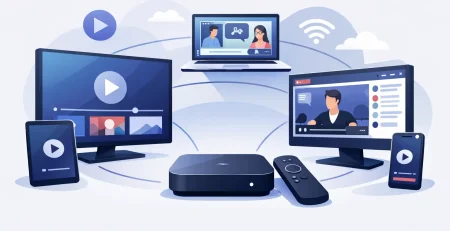
If you want smoother streaming, build your setup around consistency, not just speed claims. Use a solid router. Keep your device updated. Avoid overloaded bargain hardware. Test your app settings. And if possible, stream your main TV through Ethernet.
Also be realistic about your household habits. If multiple users are streaming HD channels at once, your network has to carry that load. A single-device test may look great while family usage tells a different story.
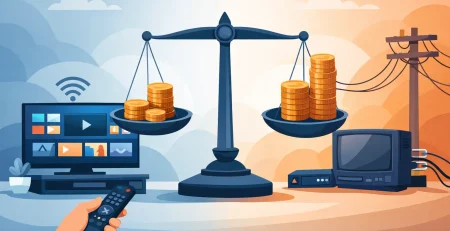
For viewers who want affordable live TV without cable headaches, IPTV can be a smart move, but only when the setup matches the demand. A service like Crypto PAY IPTV is built for convenience and wide device access, but even the best channel lineup performs better when your internet, hardware, and app are dialed in.
If your IPTV keeps buffering, do not settle for random tweaks and hope. Test one variable at a time, find the real weak point, and fix that first. The result is usually faster than you think – and a lot cheaper than going back to cable.






Leave a Reply